Why Philippine Schools Need More Than Antivirus: Campus Cybersecurity for Lean IT Teams
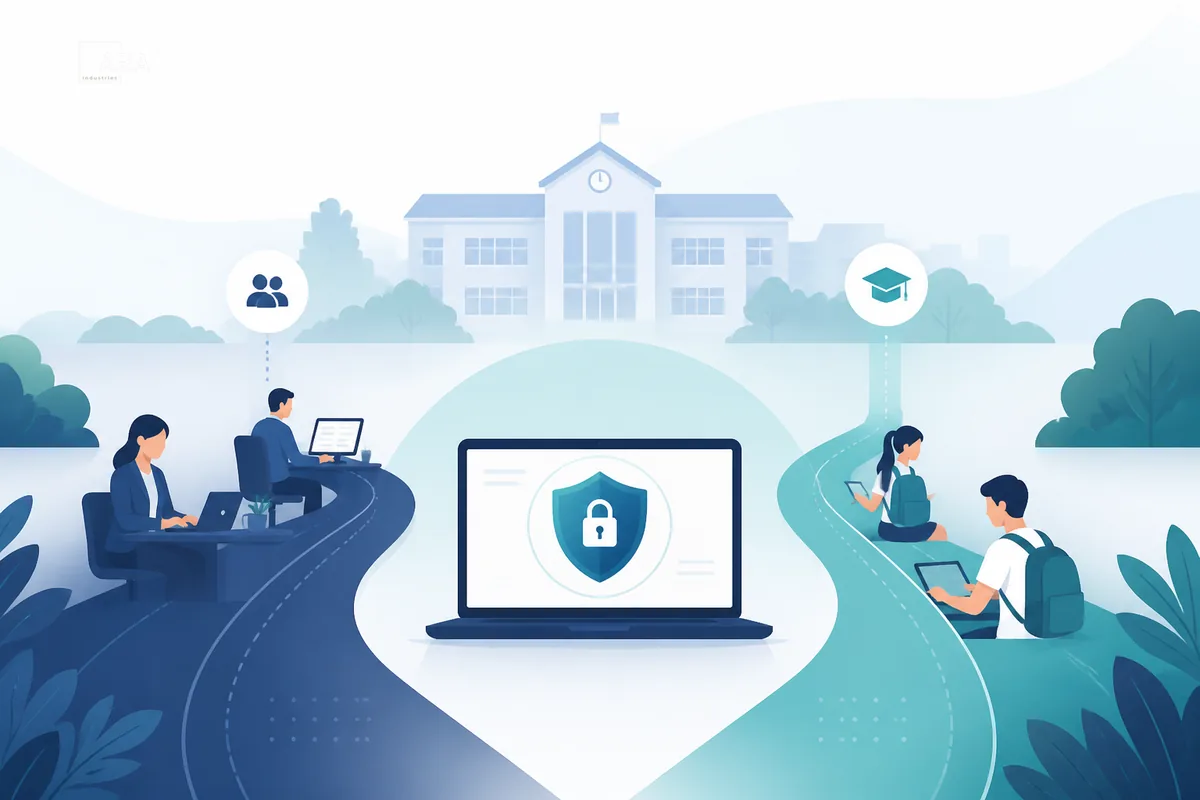
Philippine campuses run on trust: parents trust the school with enrollment records, faculty trust shared drives and email for grades and assessments, and students bring their own phones and laptops onto Wi-Fi every day. That trust is digital long before it is ceremonial. When student information systems, learning platforms, and administrative workstations sit on the same campus network as unmanaged personal devices, cybersecurity stops being an “IT nice-to-have” and becomes part of how the school keeps operations and privacy intact.
This Insights piece is for academe leaders who already know certificates and consumer antivirus are on the machines — and still lose sleep about ransomware, phishing, and messy Wi-Fi. It maps a practical two-layer architecture ARA Industries uses when scoping schools: WithSecure Elements on endpoints, plus a dedicated campus edge described by requirements, not by brand theater.
Why is antivirus alone not enough for a Philippine campus?
Antivirus only prevents on the host. A campus also needs detection and response on staff devices that touch student records, plus a school-owned edge: staff and student VLAN or SSID separation, guest isolation, and locked WAN management. Endpoint agents cannot segment Wi-Fi, and a gateway cannot see what happens inside a laptop. Start with a health check.
The academe vulnerability profile (without the drama)
Most Philippine schools and colleges do not look like large enterprises with a night-shift security operations center. The recurring pattern is quieter and more structural:
- Student records and admin systems hold sensitive personal data. Enrollment files, grades, contact details, and billing records are operationally critical. A ransomware lockout or account takeover is not only an IT ticket — it is a privacy and continuity incident that lands on the registrar and school leadership.
- BYOD is the default campus network. Students and many faculty arrive with personal devices the school does not image, patch, or inventory. Guest and “open lab” habits blur into production Wi-Fi unless the edge deliberately separates staff from student/guest traffic.
- Lean IT is normal. One or two people may own Wi-Fi, printers, SIS access, Google Workspace or Microsoft 365, and vendor tickets. They cannot manually watch alerts around the clock. Architecture has to reduce noise and enforce boundaries, not invent a full SOC overnight.
- Web and identity risk travel with the calendar. Phishing against staff mailboxes, drive-by risk on student browsing, and weak credential hygiene around shared terminals are everyday campus realities — not exotic advanced threats.
None of this requires invented statistics. It is the same BYOD / lean-IT / student-records profile already used in ARA Industries’s school architecture use case: high unmanaged-device volume, limited watch capacity, and administrative systems that make downtime expensive in human terms.
What recent PH education-sector cyber incidents illustrate
Public reporting already shows the pattern without inventing school logos:
- Unsecured education-aid cloud database (2024): Newsbytes and Rappler covered an exposed DepEd/PEAC OVAP-related cloud database that put roughly 210,000 student and parent records at risk before the National Privacy Commission secured the instance. Lesson for lean campus IT: student/parent PII on cloud portals needs the same hygiene as on-prem SIS — misconfigured storage is a continuity and privacy event, not a niche “security team” problem. (Newsbytes, 24 Feb 2024; Rappler corroboration.)
- Higher-ed multi-system compromise (2023): Newsbytes reported a DLSU data-security incident affecting multiple online campus systems, with password resets, 2FA guidance, and NPC coordination. Lesson: identity and multi-system exposure hit universities the same way they hit enterprises — endpoint and mailbox controls matter on staff devices that touch those systems. (Newsbytes, 10 Oct 2023.)
- Alleged regional harvests remain investigations until confirmed: Philstar covered DepEd checking an alleged regional data-harvest claim with DICT. Treat unverified dumps and actor claims as investigation context, not settled facts. (Philstar, 15 Feb 2024.)
A Sophos survey covered by Newsbytes (July 2022) reported ransomware pressure rising across schools globally — useful sector context, not a local case study. Combined with the PH portal and university incidents above, the operational takeaway is the same: academe is a preferred target class because records are valuable and IT is often lean. Local architecture still has to fit Philippine campus ops.
Why “certificate + antivirus only” is not a school architecture
Many campuses still operate on a familiar stack: the ISP modem as the “router,” a flat or weakly segmented Wi-Fi, and whatever antivirus came with the laptop image (or a free consumer product). That combination can look fine in a quiet week. It fails the academe test for three reasons.
- Endpoint prevention without detection leaves lean IT blind. Classic antivirus is a prevention layer. Schools also need detection and response when something bypasses the signature set — especially on staff devices that touch SIS, finance, and mail. Prevention alone does not give a small MIS team a coherent place to see what happened next.
- The campus edge is not an endpoint product. Host agents do not create staff-versus-student VLANs, lock down WAN administration of the gateway, or stop guest devices from sitting next to administrative workstations on the same broadcast domain. Treating “we installed security software” as equivalent to “we secured the school network” confuses two different jobs.
- Forcing all campus traffic through a vendor VPN or cloud filter is not a substitute for a school-owned edge. Some stacks sell the feeling of security by hauling traffic off-campus. For PH schools that need local policy, predictable ops, and clear ownership of routing and firewall rules, that is the wrong primary design. Local traffic should be able to stay local; the school appliance should own NAT and firewall policy once the ISP modem is correctly placed.
Certificate compliance language and a green antivirus icon are useful hygiene. They are not a dedicated campus edge, and they are not EDR visibility on the devices that matter most.
Architecture: WithSecure Elements + a dedicated campus edge
ARA Industries’s public blueprint for modern schools is deliberately two-layer. Call it the Dedicated Campus Edge & Endpoint Framework.
Layer 1 — Endpoint protection and detection (WithSecure Elements)
- Deploy WithSecure Elements as the campus endpoint standard: EPP (prevention) plus EDR (detection and response) on staff and managed devices that can run an agent.
- Where the school uses Microsoft 365, treat Collaboration Protection as an optional Elements module for mailbox and collaboration-surface risk — still one reseller story, still Elements.
- Do not ask Elements to do the firewall’s job. Agents protect hosts; they do not replace VLAN design or gateway policy.
This matches how ARA Industries is building its WithSecure Elements practice: honest book-building, recommendations first, no invented school logos or closed-case theater.
Layer 2 — Dedicated campus edge (firewall/gateway + access points as a class)
Describe the edge by requirements, not by pasting vendor names into public copy:
| Requirement | What it means on a campus |
|---|---|
| VLAN / SSID split | Separate Staff vs Student/Guest networks; guest isolation on |
| WAN management locked | Disable or tightly restrict WAN HTTPS/SSH admin (jump host or site-to-site VPN only if needed) |
| Local traffic stays local | Campus security must not depend on forcing all traffic through a vendor VPN / cloud filter to “be secure” |
| Firmware / supportability | Appliance class with a firmware path that fits a PH ops model (reseller/partner supportable; not DIY theater) |
| Real school edge | ISP modem/ONT in bridge (or DMZ-only to the school firewall); the school appliance owns routing, NAT, and firewall policy |
Hard boundary: endpoint suites are not the edge. Edge hardware shortlists belong in sales BOM conversations — not in Insights brand-name laundry lists.
What each layer covers (and does not)
| Layer | Covers | Does not replace |
|---|---|---|
| WithSecure Elements | Agent-managed hosts — malware/ransomware prevention, EDR visibility, optional M365 Collaboration Protection | VLAN/SSID split, WAN admin lockdown, gateway policy, guest isolation, replacing the ISP router with a real school edge |
| Dedicated campus edge | WAN ingress, NAT, staff vs student/guest SSID↔VLAN, guest isolation, locked WAN management, local firmware path | Agent-based EDR on laptops; mailbox controls inside Microsoft 365 |
Edge ≠ endpoint. Neither substitutes for the other. That single sentence is often the difference between a school that “bought security” and a school that can explain how student Wi-Fi is kept away from registrar workstations.
A practical five-step deployment pattern
- Put the ISP modem/ONT in bridge (or DMZ only to the school firewall) so the school appliance owns routing, NAT, and firewall.
- Create Staff VLAN/SSID vs Student/Guest VLAN/SSID, with guest isolation on.
- Disable WAN HTTPS/SSH management (or restrict to a jump host / site-to-site VPN).
- Deploy WithSecure Elements on endpoints; do not substitute edge security with a vendor-VPN-through-cloud story.
- Scope quotes and BOM to campus size and constraints — edge described as class and requirements publicly; commercial detail gated.
UsapTayo
If your campus is still trusting the ISP router plus “whatever came with the laptops,” start with a short cyber health check / architecture scoping conversation. ARA Industries will be able to map your BYOD exposure, edge gaps, and a realistic WithSecure Elements + dedicated campus-edge path for your size — recommendations first.