
Campus security blueprint for schools planning an upgrade
Philippine schools run BYOD, student records and lean IT on the same campus network. This is the design we would recommend for a school planning its next step.
Sample solution, not a client deployment
Situation
Unmanaged student and faculty devices share the campus network with staff workstations that handle enrollment, grades and billing.
Risk
When the student information system sits on a flat network, ransomware becomes an operations and privacy incident under RA 10173, not an IT inconvenience.
Approach
- WithSecure Elements EPP plus EDR on staff and other managed devices; optional Collaboration Protection for Microsoft 365.
- A school-owned firewall: staff vs student and guest Wi-Fi, guest isolation, WAN admin locked, ISP modem in bridge mode.
- Student records reachable only from staff segments, with MFA for registrar and finance roles.
- Hardware class follows a campus walkthrough, not a fixed kit.
Outcome we would aim for
Student data flows only where it should, BYOD stays on its own Wi-Fi, and the design is simple enough for a one- or two-person IT team to operate.
How we would roll it out
Campus walkthrough
Map buildings, Wi-Fi, the ISP modem and where student records live.
Protect staff devices
WithSecure Elements on managed staff machines.
Build the campus edge
School-owned firewall, ISP modem in bridge mode, WAN admin locked.
Split the Wi-Fi
Staff, student and guest segments with guest isolation.
Lock down records
Student systems reachable only from staff segments, with MFA.
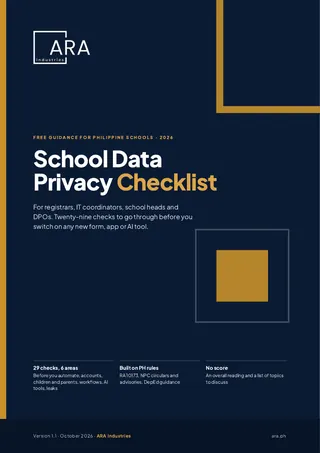
Get the School Data Privacy Checklist
Twenty-nine checks for registrars, IT coordinators, school heads and DPOs to go through before you switch on any new form, app or AI tool.
For schools and campuses planning a security upgrade. Enter your details and the download opens on the next page.
Frequently asked questions
Do we need to install software on student phones?
No. BYOD is handled by segmentation: student and guest devices sit on their own Wi-Fi and cannot reach staff systems or records.
Have you deployed this at a school?
This is a recommended design for schools planning an upgrade. It is a sample solution, not a client deployment.
Want this blueprint tailored to you? Usap tayo.
Book a free 30-minute call with the ARA Industries team. We map your situation to the closest blueprint and suggest a practical first step.
Calendar not loading? Open the Usap Tayo booking page.